
Master Your Time: 10 Proven Strategies for Remote Freelancers
Working as a remote freelancer offers incredible freedom, but it also comes with a unique challenge: you're entirely responsible for managing your own time. Without the structure of a traditional office, it's easy to either work too much or struggle to stay focused. I learned this the hard way during my first year of freelancing when I found myself working until midnight, missing deadlines, and feeling constantly overwhelmed.
The good news? Time management is a skill you can develop. After years of trial and error (and talking to hundreds of successful freelancers), I've compiled the most effective strategies that actually work in the real world. These aren't theoretical concepts but practical techniques you can implement today.
Start With Time Tracking (Yes, Really)
Before you can manage your time effectively, you need to know where it's actually going. Most freelancers are shocked when they first track their time accurately.
Spend one week tracking every single task you do, including checking emails, social media breaks, and client calls. Use a simple tool like Toggl, Clockify, or even a spreadsheet. The goal isn't to judge yourself but to gather data.

What you'll likely discover:
- Administrative tasks eat up more time than you think (often 20-30% of your day)
- You're most productive during specific hours
- Certain clients or project types take longer than you estimated
- Small distractions add up to hours of lost time
One freelance designer I know discovered she was spending 90 minutes daily just on email. By implementing an email schedule (more on that later), she reclaimed almost 8 hours per week for billable work.
The Time Blocking Method That Actually Works
Time blocking isn't just about filling your calendar with tasks. It's about creating a realistic structure that matches your energy levels and work style.
Here's how to do it effectively:
-
Identify your peak performance hours: Most people have 2-4 hours of peak mental clarity each day. Schedule your most challenging work during these windows.
-
Create themed blocks: Instead of switching between different types of work, group similar tasks together. For example:
- Deep work blocks (2-3 hours for focused project work)
- Communication blocks (email, messages, calls)
- Administrative blocks (invoicing, proposals, planning)
- Learning blocks (skill development, research)
-
Build in buffer time: Always add 25% more time than you think you'll need. Projects expand, clients call, and unexpected issues arise.
-
Schedule breaks intentionally: A 10-minute break every 90 minutes isn't wasted time; it's an investment in sustained productivity.
A freelance writer on our platform increased her output by 40% simply by blocking her mornings for writing (her peak time) and afternoons for editing, research, and client communication. She stopped trying to do everything at once.
The Two-List System for Daily Planning
Most to-do lists fail because they mix urgent tasks with important ones, creating a sense of overwhelm. The two-list system solves this.
List 1: Must-Do Today (Maximum 3 items) These are your non-negotiable tasks. If you complete nothing else, these three things must get done. They should be:
- Tied to deadlines or client commitments
- High-impact activities
- Specific and achievable within your available time
List 2: Would Be Great (5-7 items) These are tasks you'll tackle if time permits. They're important but not urgent.
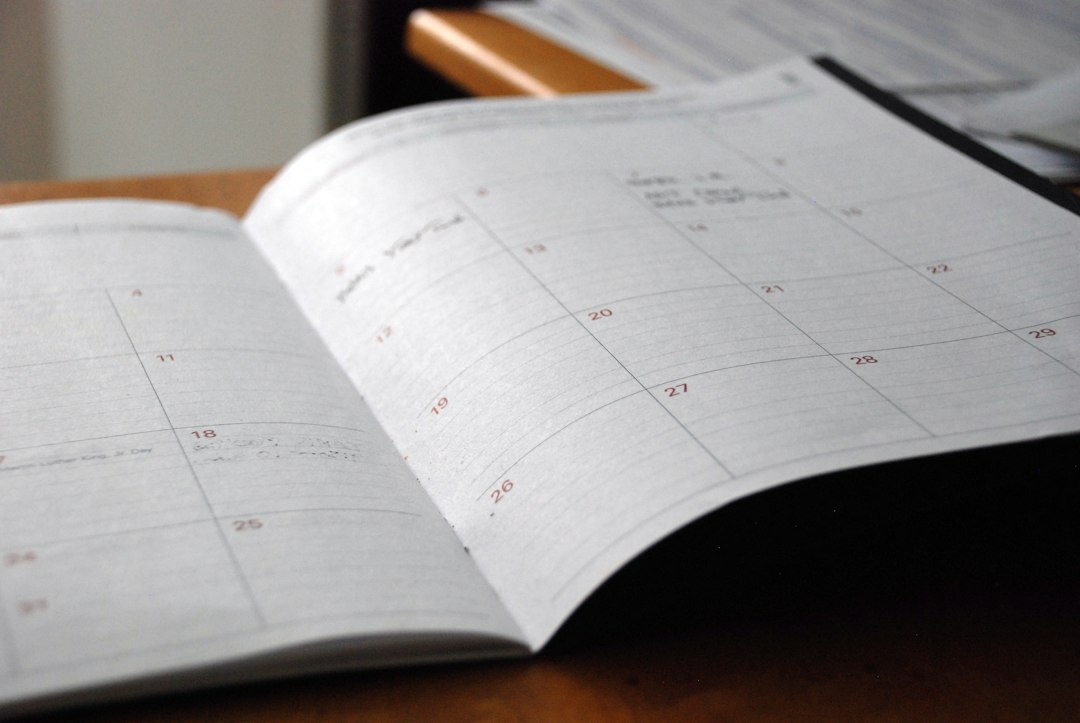
The beauty of this system is psychological. Completing your must-do list gives you a sense of accomplishment, even on chaotic days. The would-be-great list provides direction without pressure.
Master the Art of Saying No (Politely)
Every "yes" to a new project or request is a "no" to something else, whether that's existing client work, personal time, or business development.
Develop a decision-making framework:
Before accepting any project, ask yourself:
- Does this align with my skills and goals?
- Can I deliver quality work within the timeline?
- Does the compensation justify the time investment?
- Will this leave room for my existing commitments?
If you can't answer yes to all four, it's probably not the right fit.
When declining, be professional and brief: "Thank you for thinking of me. Unfortunately, my schedule is fully committed right now, and I wouldn't be able to give your project the attention it deserves. I'd be happy to recommend some colleagues who might be available."
Create Boundaries With Clients and Yourself
Remote work blurs the lines between professional and personal time. Without clear boundaries, you'll find yourself answering emails at dinner or working on weekends.
Set and communicate your working hours: Let clients know when you're available. Most will respect clear boundaries, especially if you're delivering quality work.
Example availability statement: "I work Monday through Friday, 9 AM to 6 PM EST. I respond to messages within 24 business hours. For urgent matters, please call my business line."
Create a shutdown ritual: At the end of your workday, review what you accomplished, plan tomorrow's priorities, and physically close your laptop. This signals to your brain that work is done.
One successful freelancer I know changes her clothes at the end of her workday, even though she works from home. This simple act helps her mentally transition from work mode to personal time.
Batch Similar Tasks for Maximum Efficiency
Context switching (jumping between different types of tasks) can reduce your productivity by up to 40%. Your brain needs time to adjust to each new type of work.
Instead, batch similar activities:
- Email batching: Check and respond to emails 2-3 times daily instead of constantly monitoring your inbox
- Content creation batching: Write multiple blog posts or create several designs in one session
- Meeting batching: Schedule all client calls on specific days or during specific time blocks
- Administrative batching: Handle invoicing, bookkeeping, and paperwork in one weekly session

A freelance developer on Freelanc.io batches all his client meetings on Tuesday and Thursday afternoons. This gives him uninterrupted blocks of Monday, Wednesday, and Friday for deep coding work. His productivity skyrocketed, and clients appreciate his focused attention during scheduled calls.
Use the Pomodoro Technique (With a Twist)
The classic Pomodoro Technique (25 minutes of focused work, 5-minute break) works well for many people, but freelancers often need longer focus periods.
Try these variations:
Standard Pomodoro: 25 minutes work, 5 minutes break (great for administrative tasks) Extended Pomodoro: 50 minutes work, 10 minutes break (ideal for deep work) Ultra Focus: 90 minutes work, 15 minutes break (for complex projects requiring sustained concentration)
The key is finding what works for your work style and the task at hand. Use a timer to stay accountable. During breaks, actually step away from your workspace. Stretch, walk around, or look out a window.
Automate and Delegate Ruthlessly
Your time is your most valuable asset. Every hour spent on low-value tasks is an hour not spent on billable work or business growth.
Tasks to automate:
- Invoice generation and payment reminders
- Social media posting
- Email responses to common questions (use templates)
- File backup and organization
- Time tracking
- Appointment scheduling
Tasks to delegate or outsource:
- Bookkeeping and taxes
- Basic graphic design (if you're not a designer)
- Social media management
- Research and data entry
- Website maintenance
Yes, outsourcing costs money. But if you're billing at $50 per hour and you can hire someone for $15 per hour to handle administrative tasks, you're gaining $35 per hour in value. Plus, you're freeing up mental energy for work that only you can do.
Plan Your Week on Sunday (or Friday)
Spending 30 minutes planning your week saves hours of decision-making and prevents that "what should I work on?" paralysis.
Your weekly planning session should include:
- Review upcoming deadlines and commitments
- Identify your top 3 priorities for the week
- Block time for deep work on important projects
- Schedule meetings and calls
- Plan buffer time for unexpected issues
- Note any personal commitments that affect your schedule
This overview helps you spot potential conflicts before they become problems. You might notice that you have three deadlines on Thursday, which means you need to start work earlier in the week.
Protect Your Energy, Not Just Your Time
Time management isn't just about cramming more tasks into your day. It's about working sustainably and maintaining the energy to do your best work.
Energy management strategies:
- Start with your most important work: Tackle high-priority tasks when you're fresh, not after you've depleted your mental energy on emails
- Take real lunch breaks: Eating at your desk while working leads to afternoon crashes
- Move your body: A 15-minute walk can restore focus better than another cup of coffee
- Limit decision fatigue: Create routines for recurring decisions (what to wear, what to eat, when to check email)
- Know when to stop: Working exhausted produces poor-quality work that you'll need to redo anyway

I once pushed through a project while exhausted, delivered subpar work, and spent twice as long fixing it. Now, when I'm truly drained, I step away. The work I produce after rest is always better than what I'd force out while depleted.
Review and Adjust Regularly
What works this month might not work next month as your client base, project types, or personal circumstances change.
Schedule a monthly review:
- What time management strategies worked well?
- Where did you struggle?
- What patterns do you notice in your productivity?
- What needs to change?
Be honest with yourself. If you consistently miss deadlines on Friday, maybe you're scheduling too much at the end of the week. If you're most productive in the morning but keep scheduling calls then, adjust your calendar.
Time management isn't about perfection. It's about continuous improvement and finding systems that support your best work.
Your Action Plan: Start Small
Don't try to implement all these strategies at once. That's a recipe for overwhelm and abandoning everything.
Here's your starting point:
This week:
- Track your time for 5 days to understand where it's going
- Identify your peak productivity hours
- Implement the two-list system for daily planning
Next week:
- Start time blocking your calendar
- Batch at least one type of task (probably email)
- Set and communicate your working hours
Within a month:
- Evaluate which strategies are working
- Add one or two more techniques
- Begin automating repetitive tasks
Remember, the goal isn't to work more hours. It's to work more effectively during the hours you do work, so you can deliver great results for clients while maintaining a life outside of work.
As a freelancer on Freelanc.io, your time is literally your inventory. Manage it well, and you'll not only earn more but also enjoy the freedom that drew you to freelancing in the first place. Start with one strategy today, and build from there. Your future self (and your clients) will thank you.
Emma Moderator
Author
Rate this article
No ratings yet. Be the first to rate!